What Are the Different Types of Motion Graphics? Examples, Uses and How to Learn Them
By Arena Animation SurajkundPublished 19 November 20264 min read
Scroll through Instagram for two minutes and you'll see motion graphics without noticing them. The bouncing text on a reel. The animated chart in a news clip. The logo that pops open at the start of a YouTube video. They're everywhere, and they're a big reason why the creative industry keeps hiring.
If you're curious about the field, it helps to understand the main types of motion graphics first, especially if you plan to learn motion graphics seriously. Once you know what's out there, it gets easier to decide what you want to learn.
What are Motion Graphics?
In simple terms, motion graphics are animated graphic elements: text, shapes, icons, illustrations and logos that move. They're usually combined with sound for videos, ads, apps and presentations. Unlike character animation, which tells a story through people or creatures, motion graphics often explain, promote or decorate.
Types of Motion Graphics
- Kinetic typography: Text that moves in time with audio. You'll see it in lyric videos, movie titles and quote reels. It's a great starting point for beginners because it only needs type, timing and rhythm.
- Logo animation: The short animated intro or sting for a brand. Think of a company logo that draws itself before a video begins. Businesses use these on websites, YouTube channels and ads.
- Explainer videos: Short animated videos that break down an idea or product. Startups love them for homepages because a 60-second animation can say what three paragraphs can't.
- Infographic and data animation: Charts, maps and numbers that build on screen. News channels and finance brands use these to make statistics easier to follow.
- UI and app animation: Small motions inside apps and websites, like a button that bounces or a loading icon. They guide users and make products feel polished.
- Lower thirds and broadcast graphics: The name tags, scoreboards and channel packaging you see on TV and live streams.
- Title sequences and trailers: Opening credits for films, series and shows, often mixing type, footage and effects.
- 3D motion graphics: Product renders and floating objects built in 3D software. Common in tech ads and music visuals.
- Social media motion graphics: Quick, vertical, punchy animations designed for reels and stories.
Where Motion Graphics are Used
Advertising agencies, production houses, OTT platforms, news networks, e-learning companies, gaming studios and in-house brand teams all hire motion designers. As more companies lean on video, the demand for people who can design for movement keeps growing.
Tools You'll Need to Learn
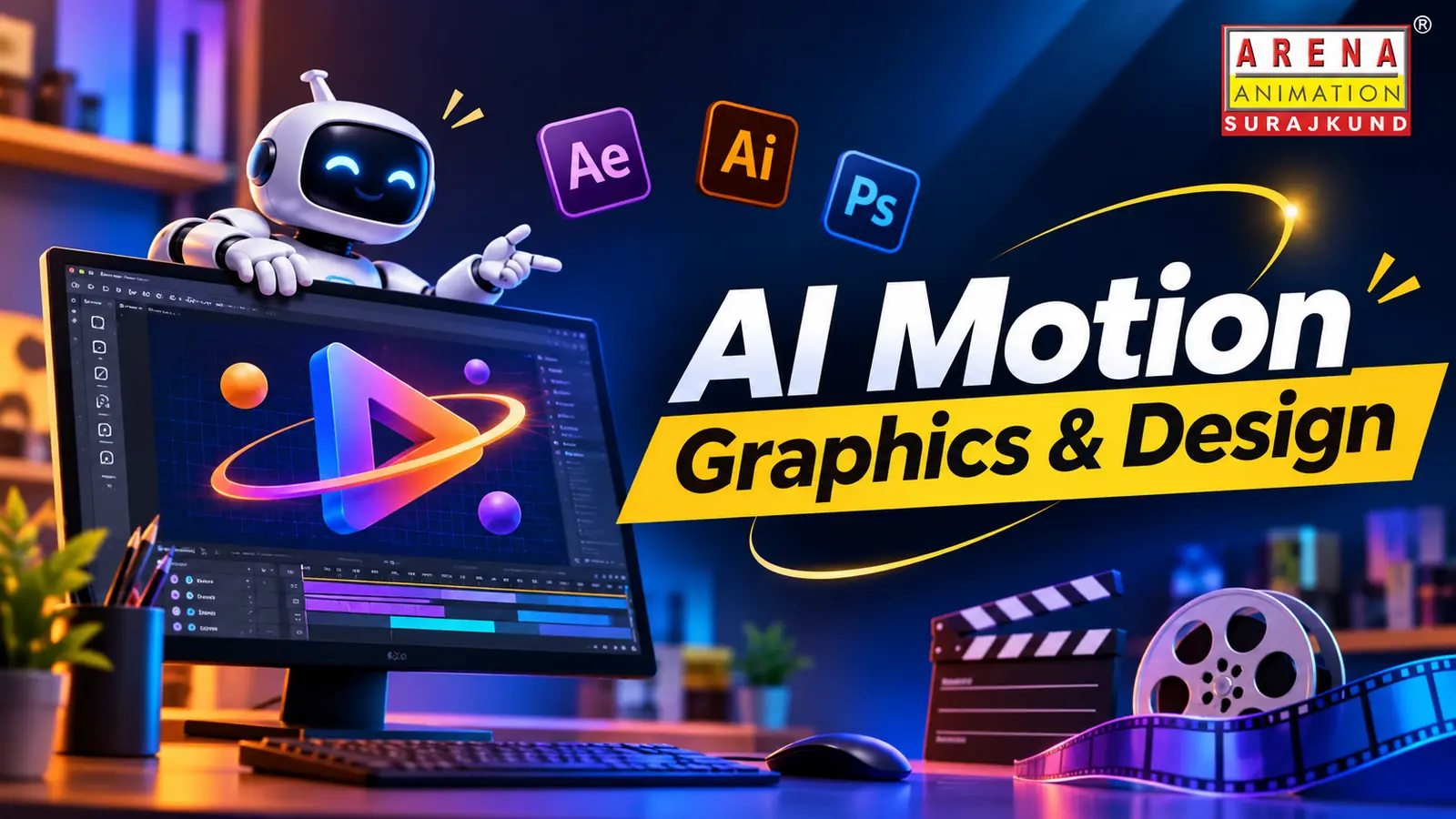
Most beginners start with Adobe After Effects for animation, Photoshop and Illustrator for assets, and Premiere Pro for putting it all together. Some go on to Cinema 4D or 3ds Max for 3D work. Newer AI tools are also entering the workflow, speeding up things like background removal, rotoscoping and idea generation. They don't replace design thinking, but knowing how to use them gives you an edge. That's why an AI design course is worth considering next to regular motion graphic design courses.
How to Learn Motion Graphics
You can learn motion graphics with free tutorials, and plenty of people do. The challenge is usually structure. It's easy to copy a tutorial and still not understand why a motion feels smooth or clumsy. A good path looks like this:
- Learn design basics: layout, colour and typography.
- Understand animation principles like easing, timing and spacing.
- Get comfortable in After Effects.
- Practise with small projects, like a logo sting or a kinetic text piece.
- Build a portfolio of five to eight polished pieces.
Structured motion graphic design courses help because you get feedback on your work, which is how you improve fastest.
Learning Near Home in Faridabad
For students in Faridabad and nearby Delhi NCR areas, Arena Animation Surajkund is one place to look. Arena Animation is a well-known name in India's animation, VFX, gaming and design training space, and its motion graphic design courses sit alongside graphic design, VFX and multimedia programmes. Its Surajkund centre is easy to reach from Faridabad and south Delhi.
If you're searching for an AI Motion Graphics Course in Faridabad or a broader AI design course, it's worth visiting the centre and asking specific questions. Find out which software is covered, how many live projects you'll complete, who teaches the classes, and what kind of portfolio you'll leave with. Also ask about current fees and batch timings, since these change, and compare it with other motion graphic design courses in Delhi NCR.
Who is this Career For?
Motion graphics isn't one skill. It's a family of them, from simple text animation to complex 3D. Pick one of the types of motion graphics that excites you, learn motion graphics step by step, and build from there. A visit to Arena Surajkund can show you what a structured path looks like. Start small, finish what you begin, and let your portfolio do the talking.
- Types of Motion Graphics
- Learn Motion Graphics
- Motion Graphic Design Courses
- AI Motion Graphics Course in Faridabad
- AI Design Course